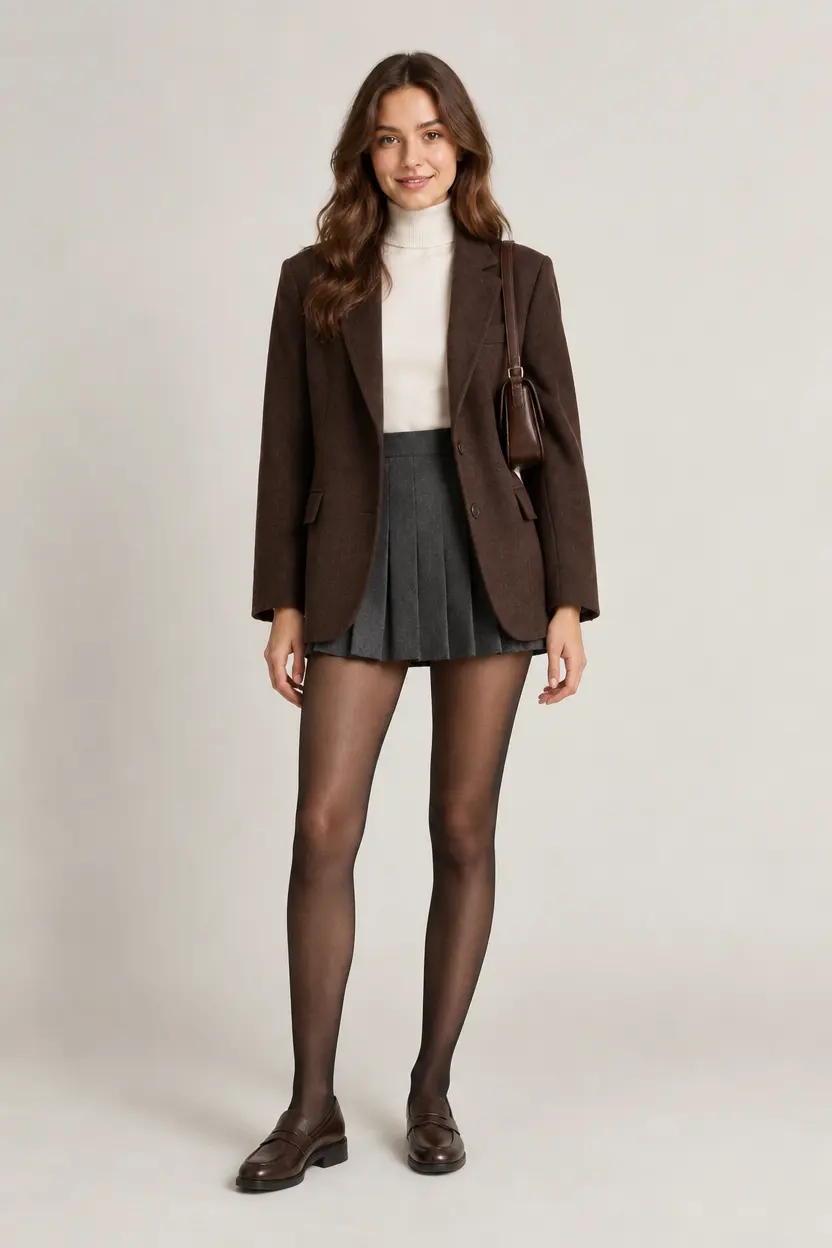
Everyday neutrals
Try a clothes swap with a brown blazer, neutral knitwear, and a pleated skirt.

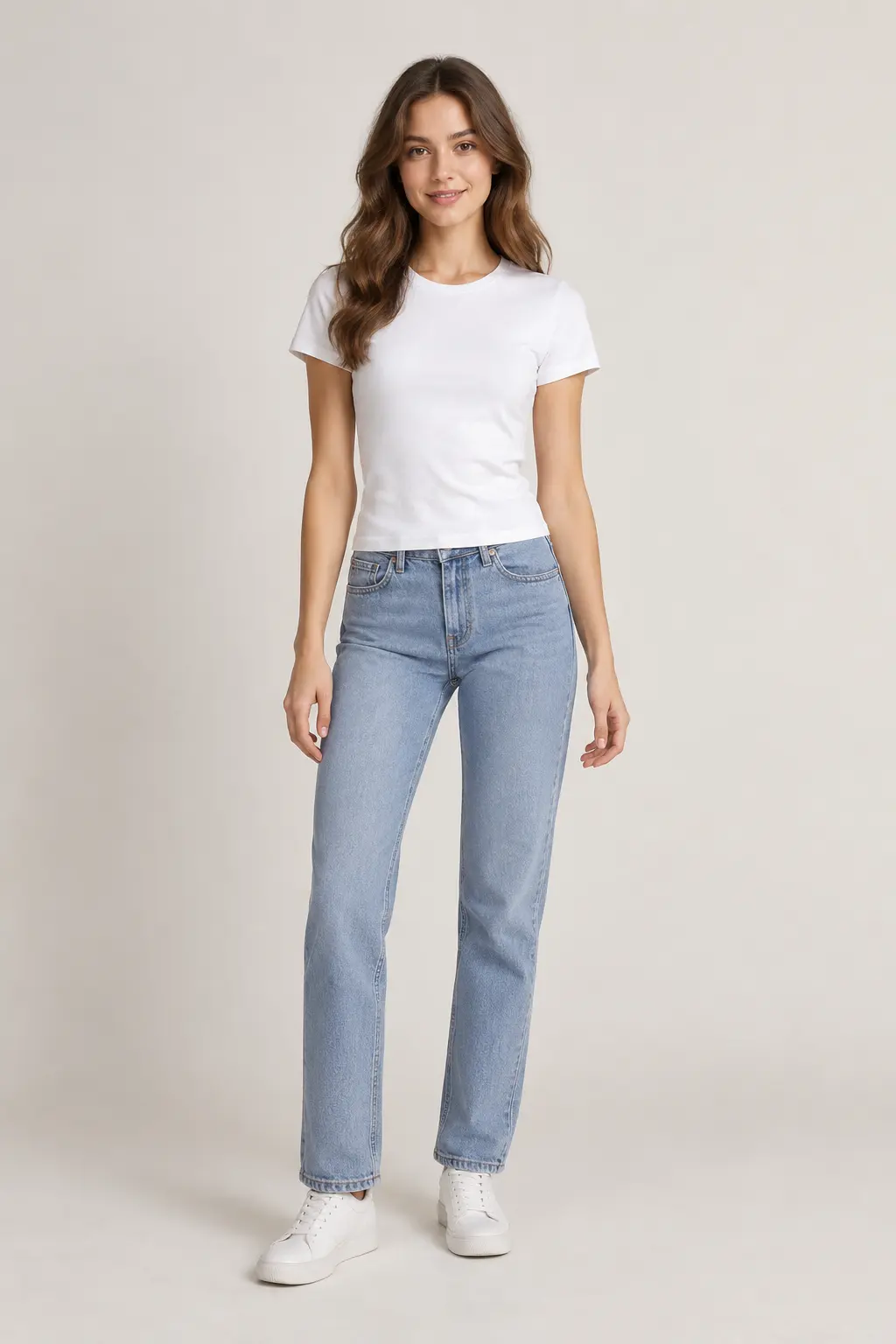
Use the AI outfit changer to swap clothing from a reference or written description. Explore colors, layers, and accessories while keeping the original image as a starting point.
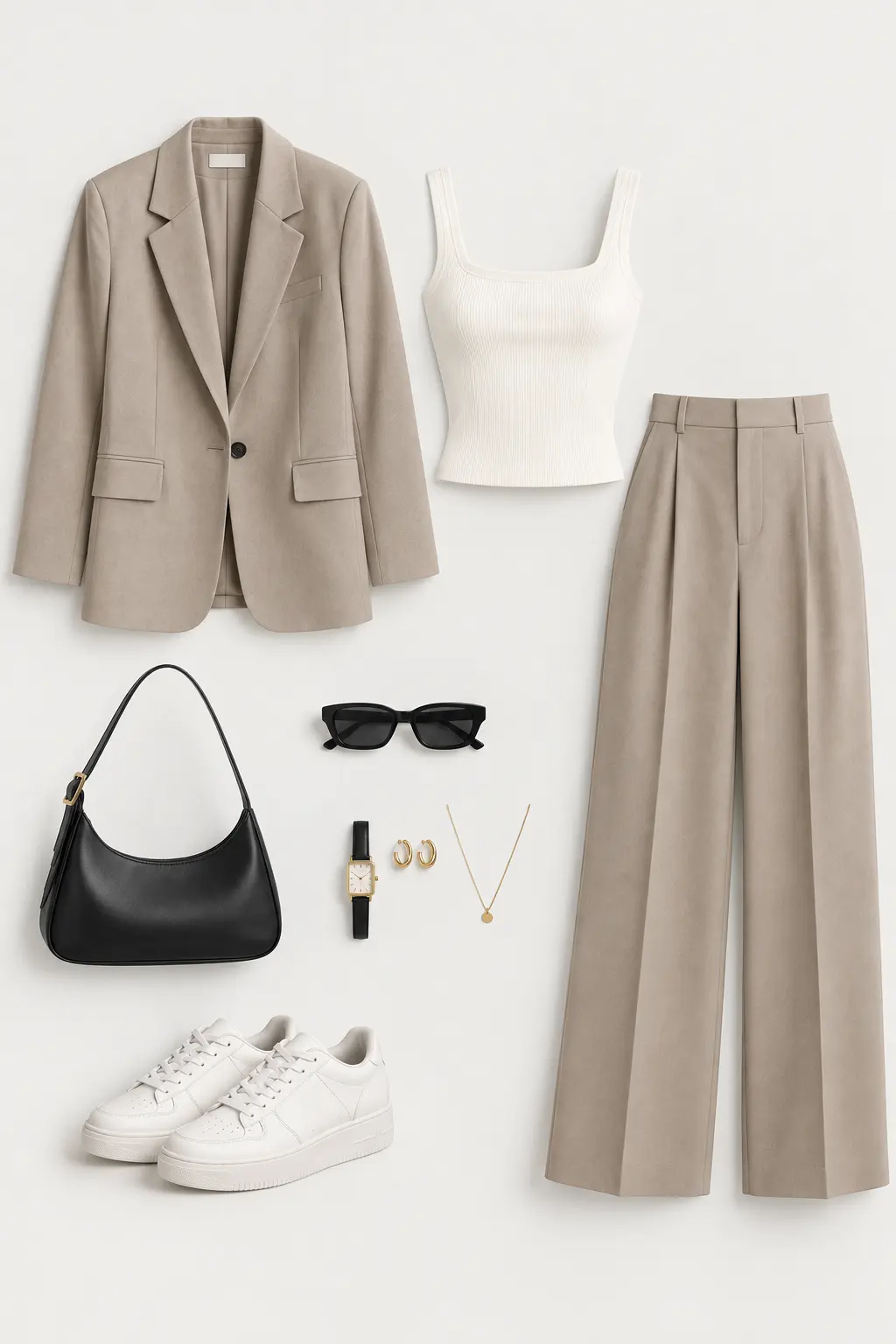
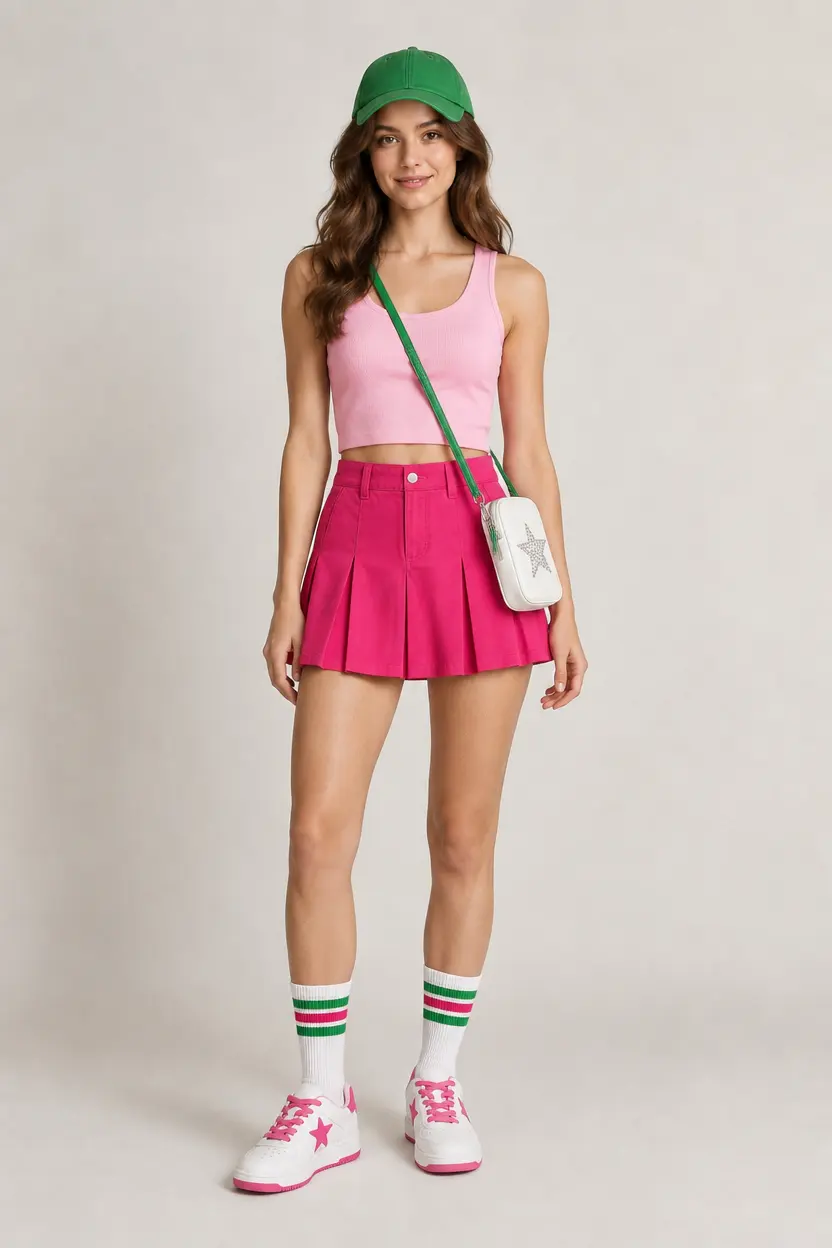
Move the slider to compare the original and restyled photo
SAME PHOTO. DIFFERENT DIRECTION.
Create an AI outfit swap from the same starting image. The AI outfit changer uses the source to guide the subject and scene, while a reference or description guides the clothing. Compare the original with the clothes swap to review the difference.
Review each AI outfit swap for unintended changes to the face, clothing details, or accessories.
FROM PHOTO TO NEW OUTFIT
Create a clothes swap from a clear photo and an outfit reference or written idea. The AI outfit changer brings the clothing and source image together.
Choose an image with a clearly visible subject and outfit. Good lighting helps the AI outfit changer interpret clothing, shoes, and accessories.
For a reference-based AI outfit swap, add one clothing image. Without a reference, describe the outfit, colors, and layers in writing.
Check the displayed credit cost before generating. Review the outfit and clothing details, then download the completed image.
EXPLORE STYLING DIRECTIONS
Explore virtual try-on through different silhouettes, colors, and layers. Use outfit changer AI to turn a clothing reference into a visual idea, then refine the details with a written description.
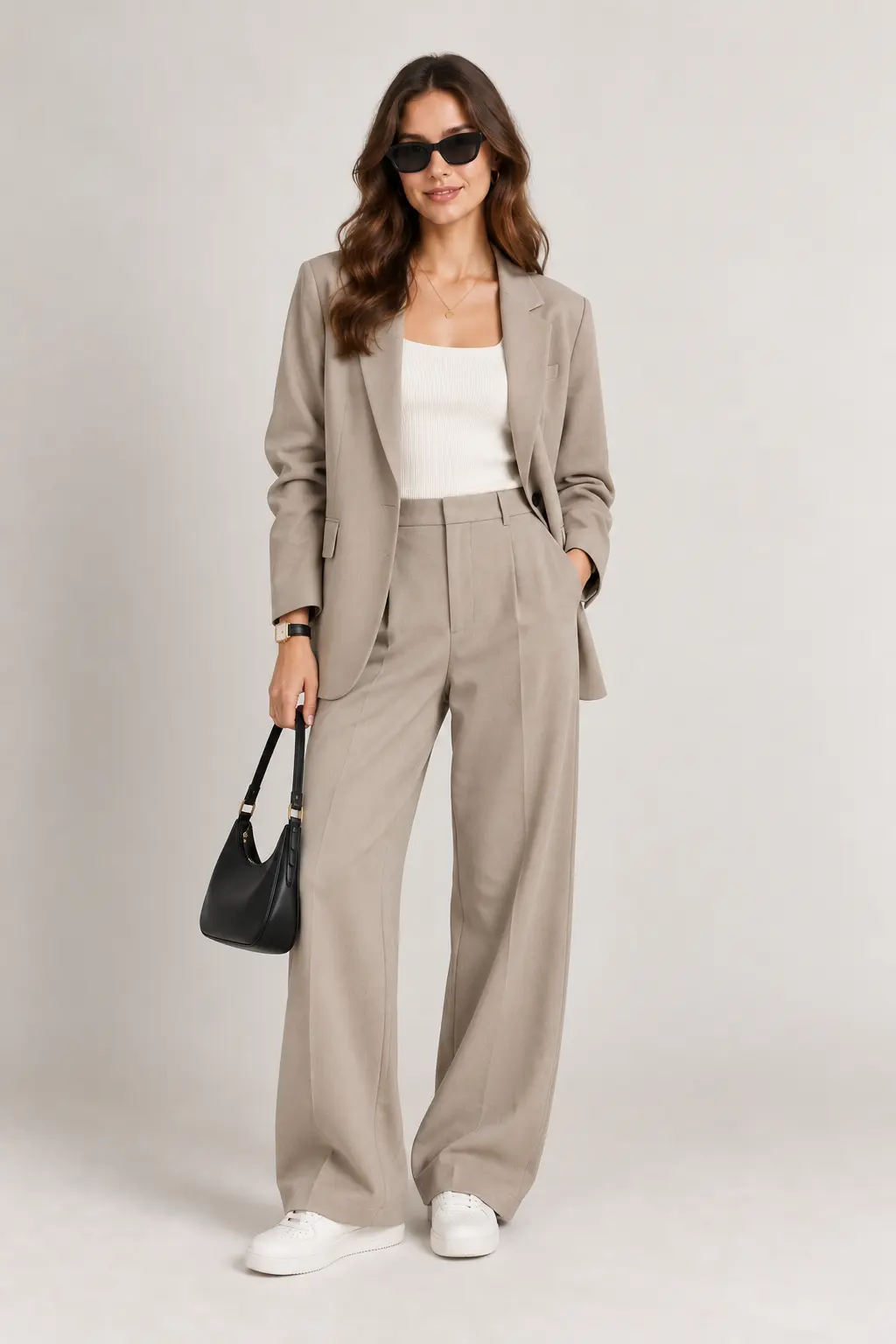
Try a clothes swap with a brown blazer, neutral knitwear, and a pleated skirt.
Give the AI outfit changer a bright streetwear reference with coordinating accessories.
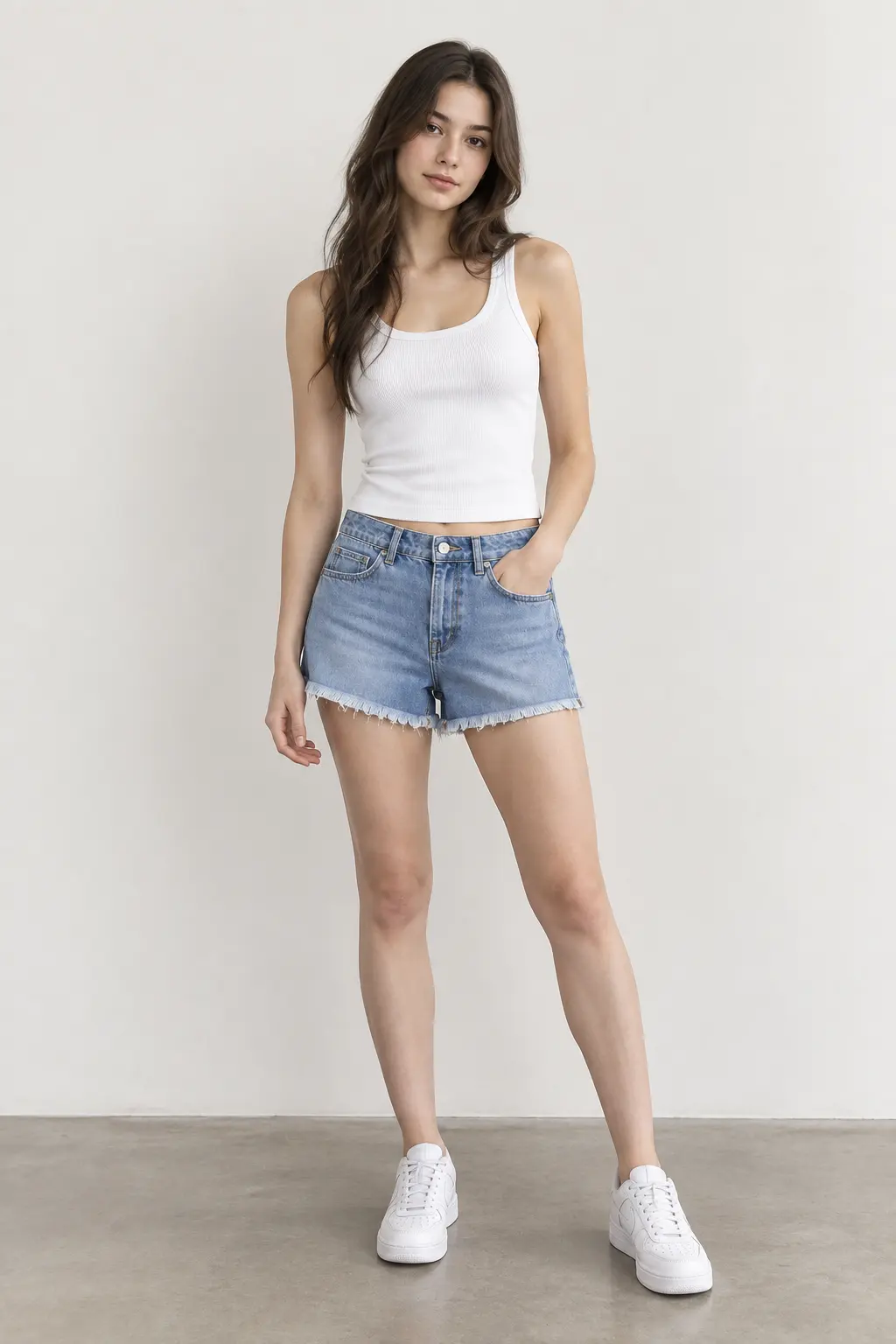
Explore an AI outfit swap with lighter clothing, denim shorts, and sneakers.
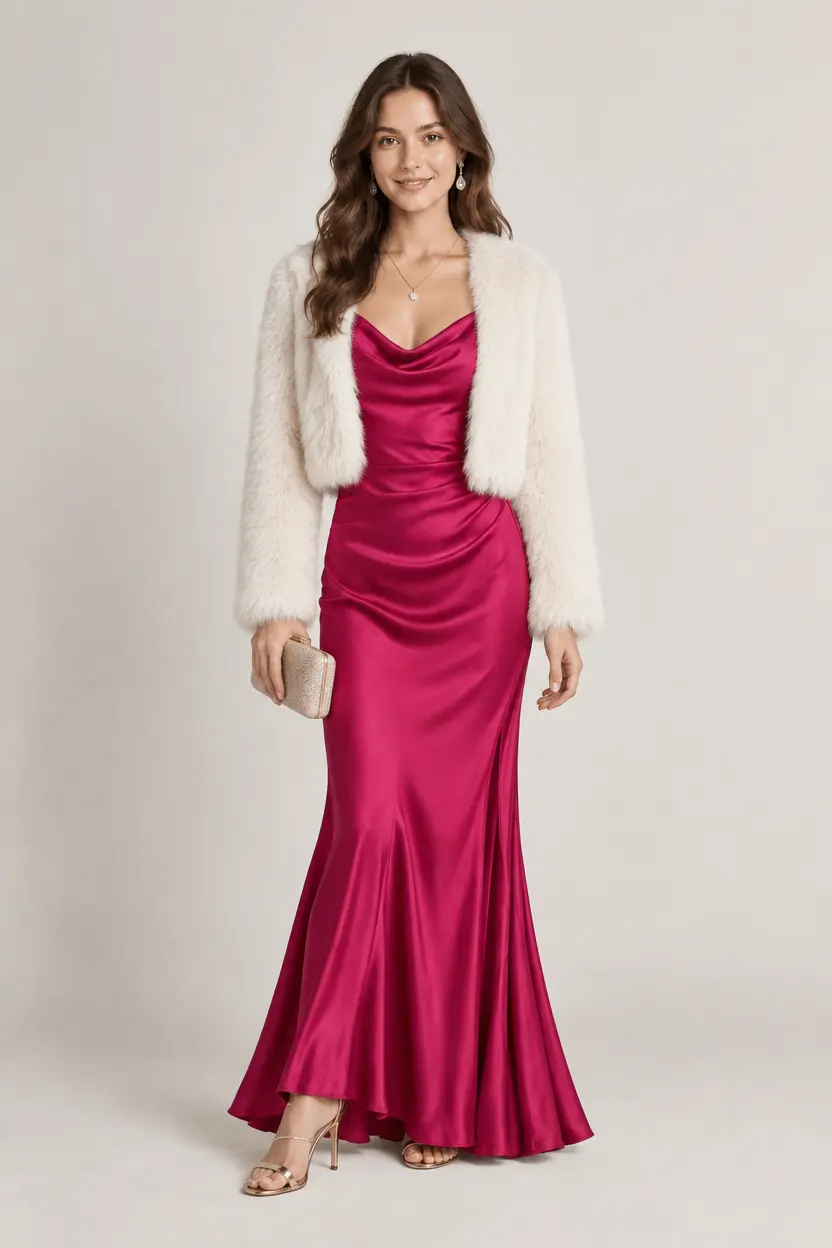
Use the AI outfit changer to picture an evening dress with a matching jacket.
START FOR FREE
Turn an outfit reference or written idea into a new look. Explore the AI outfit changer with introductory credits before choosing a plan.
A RANGE OF LOOKS
Explore wedding dresses, suits, casual clothing, and evening looks with the AI outfit changer. Compare outfit details in the same image, from tailored layers to relaxed separates.
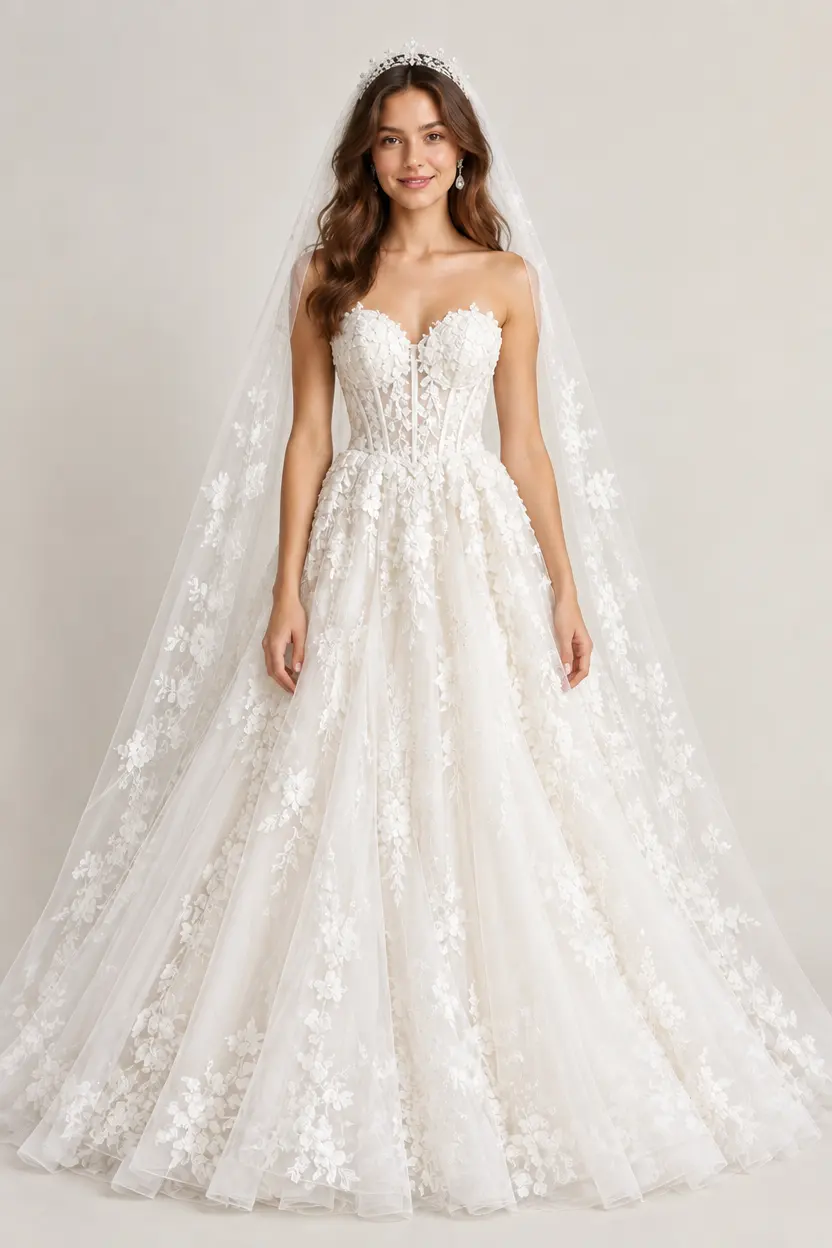
Explore bridal silhouettes, fabrics, and dress details with an outfit reference.
Explore tailored suits, structured layers, and workwear combinations.
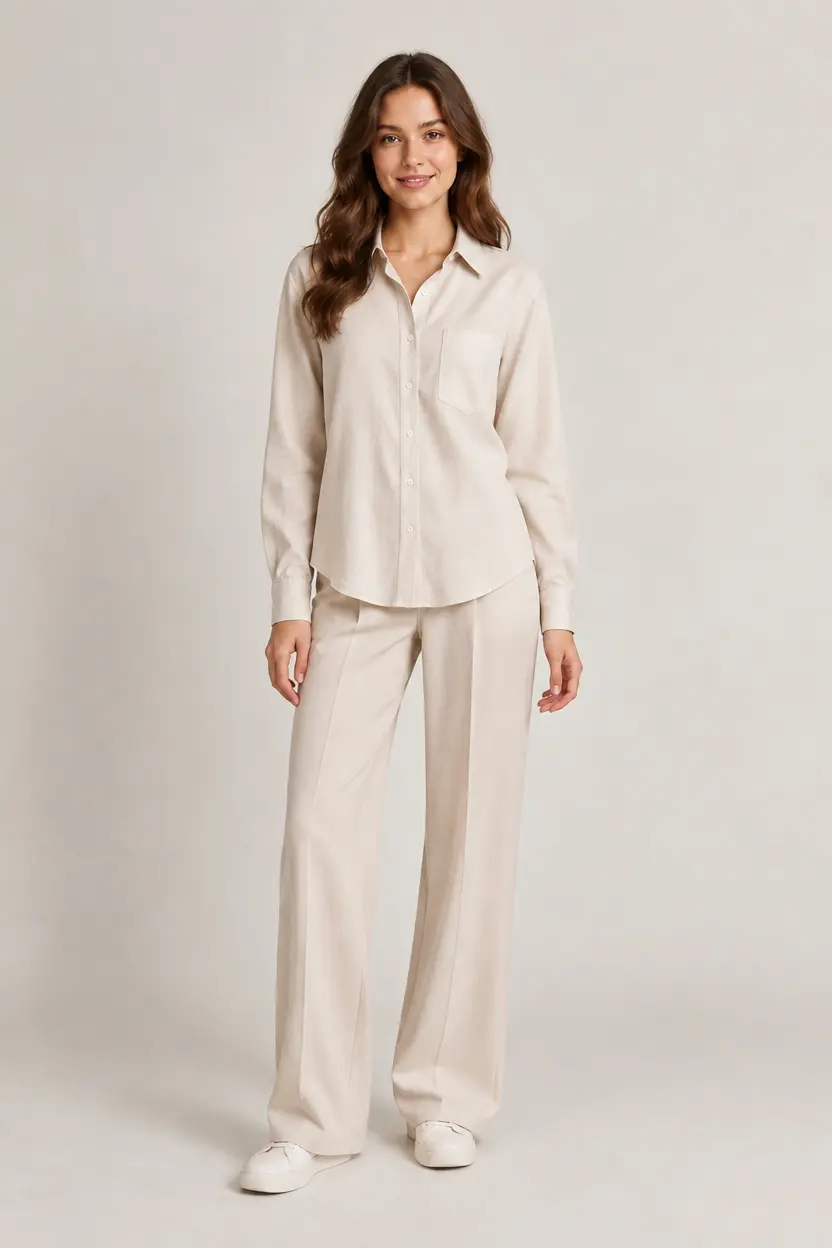
Try relaxed separates, light layers, and everyday clothing combinations.

Explore dresses, jackets, and accessories for an evening look.
An outfit swap previews clothing appearance. It does not verify garment sizing or physical fit.
How to use the AI outfit changer, choose outfit references, and download results.
An AI outfit changer replaces clothing in an existing photo. Eukovy combines the source image with an outfit reference or written instructions to create a new look, while aiming to preserve the subject and scene.
Outfit changer AI uses the source image for the subject and a reference image for the clothing. A written outfit description can guide the AI outfit changer when no reference is available.
When introductory credits are available, they offer a way to try the AI clothes changer free without a credit card. Check the current offer and credit balance before using the AI outfit changer; further use requires available credits.
The AI outfit changer is instructed to keep the person’s face, skin appearance, body shape, pose, and background consistent during a clothes swap. AI-generated details can vary, so check the result before using it.
Yes. Ask the AI outfit changer to preserve the original shoes, omit a hat, or lengthen a skirt. These instructions guide the clothing edit, but exact results are not guaranteed. Instructions and images are reviewed before generation.
Clothes changer AI works best with sharp, well-lit images and visible clothing. A clear outfit reference helps guide details such as layers, shoes, and accessories. Check the AI outfit changer’s upload requirements before adding images.
No. An AI outfit swap shows a visual interpretation of clothing in a photo. The AI outfit changer does not measure the person or confirm a garment’s size, fabric behavior, or physical fit. Review the generated clothing details and use actual garment measurements when assessing fit.
Yes. You can download AI outfit changer results after generation and output review. Saved images can also be revisited and downloaded later.
Turn a clothing reference or written idea into an AI outfit swap. Explore a new look with Eukovy’s AI outfit changer.